



Tips for Creating a Productive Home Workspace That Enhances Focus and Comfort
Creating a productive home workspace is essential for maintaining focus and comfort while working remotely. Whether you spend a few hours a week or full days working from home, your environment can greatly influence your efficiency and well-being. This post explores key tips to design a home workspace that supports productivity and keeps you comfortable throughout your workday.
Assess Your Space and Needs
Before setting up your workspace, assess the space available and consider your specific work requirements.
– Choose a Dedicated Area: Ideally, select a quiet corner or a separate room where you can focus without distractions.
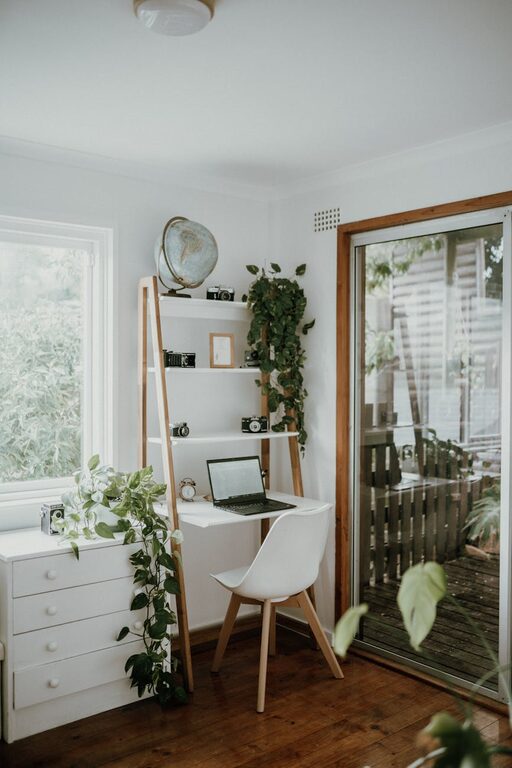
– Consider Natural Light: If possible, position your desk near a window to benefit from natural light, which can improve mood and alertness.
– Ensure Privacy: If others are at home, pick a spot where background noise and interruptions are minimal.
Invest in Ergonomic Furniture
Comfort plays a significant role in productivity. Sitting for long periods requires proper furniture to prevent discomfort and fatigue.
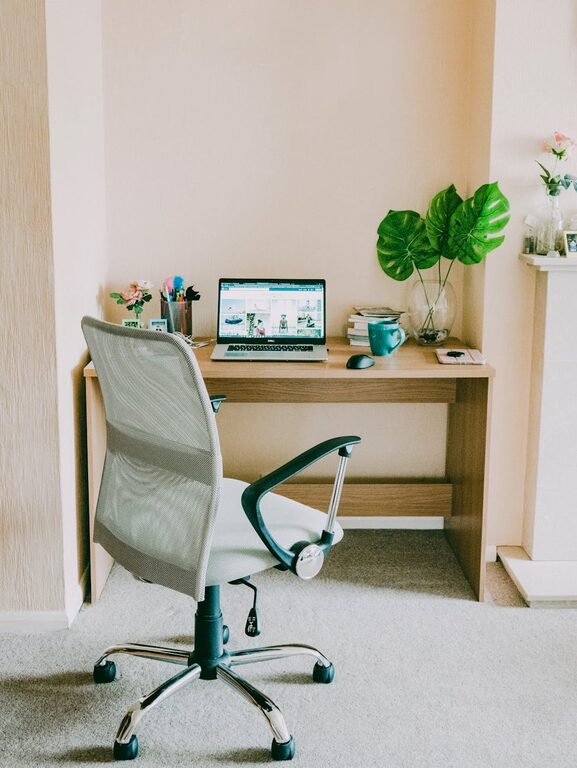
– Ergonomic Chair: Choose a chair that supports your lower back, encourages good posture, and is adjustable in height and tilt.
– Desk Height: Your desk should be at a height that allows your arms to rest comfortably at about 90 degrees when typing.
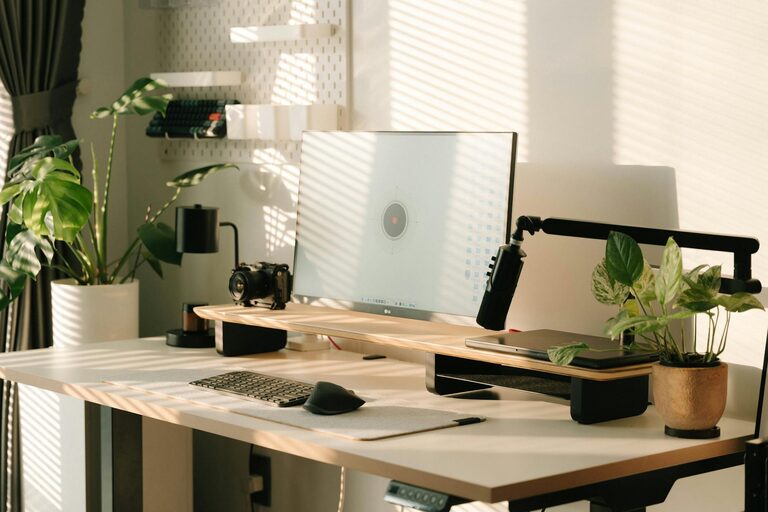
– Consider a Standing Desk: If possible, try a sit-stand desk to alternate between sitting and standing, which can reduce the negative effects of prolonged sitting.
Organise for Efficiency
A cluttered workspace can distract and reduce motivation. Organisation can help you stay focused and save time.
– Declutter Daily: Keep only essential items on your desk to maintain a tidy surface.
– Storage Solutions: Use drawers, shelves, or organisers to store documents and supplies neatly.
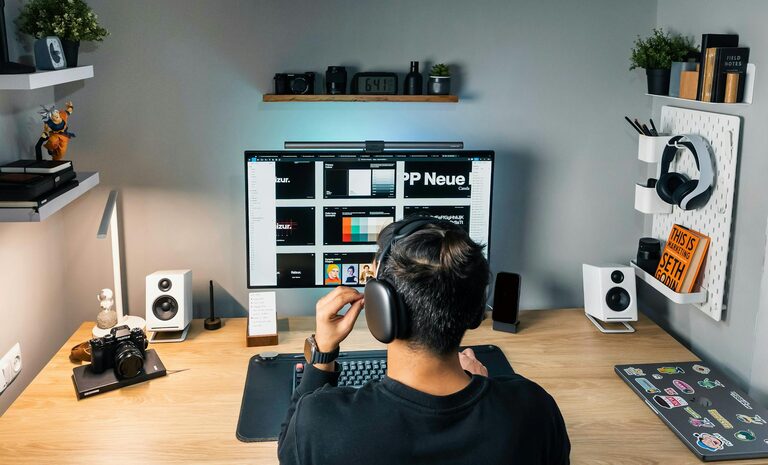
– Cable Management: Use clips or cable boxes to keep wires organised and out of the way.
Optimise Lighting
Good lighting reduces eye strain and keeps you alert during work hours.
– Use Natural and Artificial Light: Complement natural daylight with adjustable desk lamps or overhead lighting.
– Avoid Glare: Position screens and lights to prevent glare and reflections.
– Choose Warm to Neutral Lighting: Bulbs with warm or neutral colour temperatures create a comfortable atmosphere and reduce fatigue.
Minimise Distractions
A distraction-free environment supports better concentration.
– Manage Noise: Use noise-cancelling headphones or play soft background music if ambient noise is an issue.
– Limit Interruptions: Establish boundaries with family or housemates during work hours.
– Turn Off Notifications: Silence unnecessary phone or computer alerts while working.
Personalise Your Space
Adding personal touches can make your workspace inviting and inspiring.
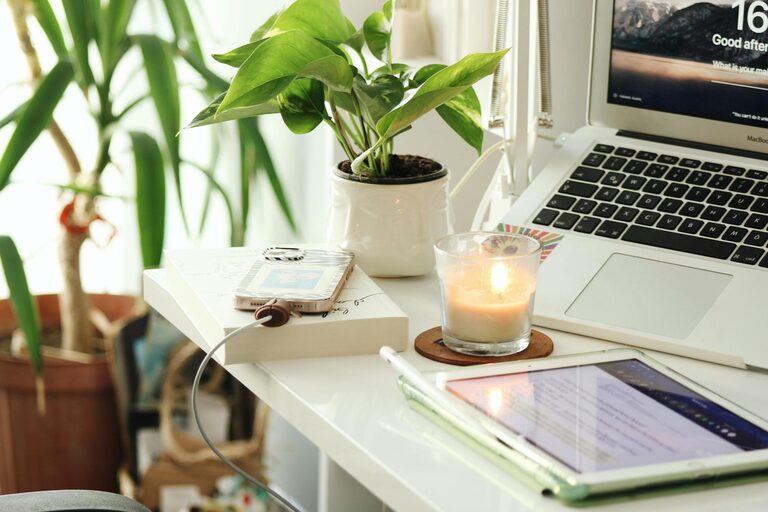
– Add Plants: Indoor plants improve air quality and create a calm environment.
– Incorporate Art or Photos: Visual elements that motivate you can boost creativity and positivity.
– Choose Comfortable Colours: Soft, neutral colours are calming, while energising colours like blue or green can enhance focus.
Prioritise Air Quality and Temperature
A comfortable climate is crucial for maintaining concentration and comfort.
– Ventilation: Ensure your workspace has good airflow.
– Temperature Control: Keep the room at a temperature where you feel comfortable, generally between 20-22°C.
– Air Purifiers or Humidifiers: Consider using these if your environment tends to be dry or dusty.
Plan Your Workday Setup
Prepare your workspace before starting the day to maintain routine and focus.
– Set Up Necessary Tools: Have your laptop, charger, notebooks, and other tools ready and within reach.
– Use a Planner or Digital Calendar: Keep track of tasks and breaks.
– Incorporate Breaks: Schedule short breaks to stretch and rest your eyes, which improves overall productivity.
Maintain Good Posture and Movement
Physical health supports mental focus throughout the day.
– Sit Upright: Align your back and shoulders, avoiding slouching.
– Position Screen Correctly: Your monitor should be at eye level and about an arm’s length away.
– Move Regularly: Stand up, stretch, or walk briefly every hour to reduce stiffness.
Use Technology Wisely
Leverage tools and apps to enhance your workflow without adding distractions.
– Task Management Apps: Tools like Trello or Asana help organise tasks.
– Focus Techniques: Try apps that encourage focus sessions, such as the Pomodoro technique timers.
– Ergonomic Accessories: Consider ergonomic keyboards or a separate mouse to reduce strain.
—
Designing a home workspace with a focus on comfort and productivity can transform the way you work. By creating an environment tailored to your needs—with the right furniture, lighting, organisation and minimal distractions—you set yourself up for success whether you’re tackling daily tasks or engaging in creative projects. Take time to optimise your workspace, and enjoy the benefits of a focused, comfortable work-from-home experience.