


Tips for Creating a Relaxing and Productive Home Office Environment
Creating a home office that is both relaxing and productive can significantly improve your work experience. Whether you work remotely full-time or need a dedicated space for occasional tasks, the environment you set up plays a crucial role in your focus and wellbeing. Here are some useful tips to help you design an effective home office that balances comfort with efficiency.
1. Choose the Right Location
Find a Quiet Spot
Select a space in your home with minimal noise and distractions. A spare room, a corner in your bedroom, or even a section of the living room can work, as long as it offers some separation from everyday household activities.
Consider Natural Light
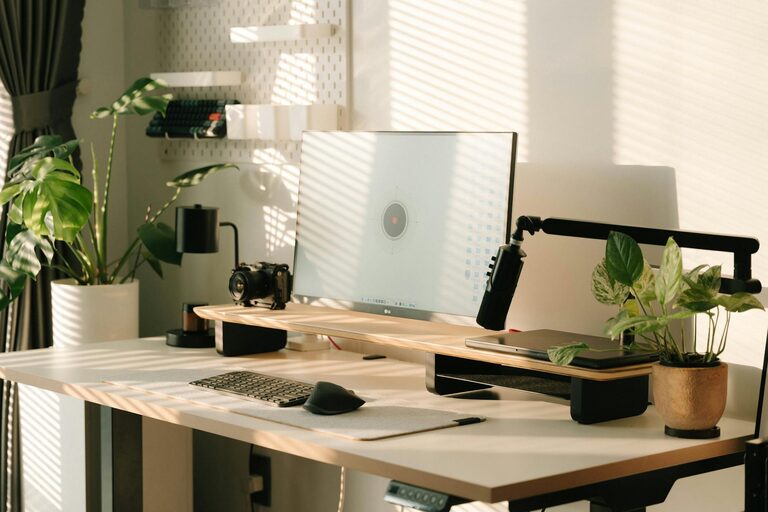
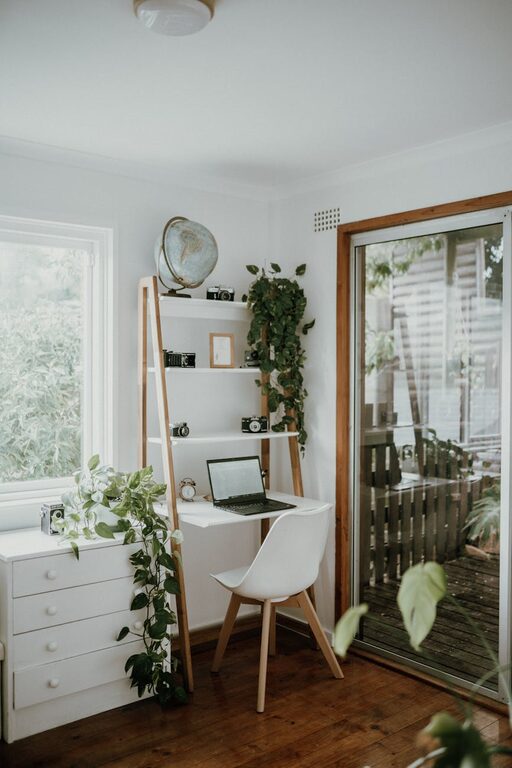
Natural light helps improve mood and energy levels. Aim to position your desk near a window, but avoid glare directly on your computer screen. Use blinds or curtains to control the amount of sunlight.
2. Invest in Comfortable and Functional Furniture
Ergonomic Chair
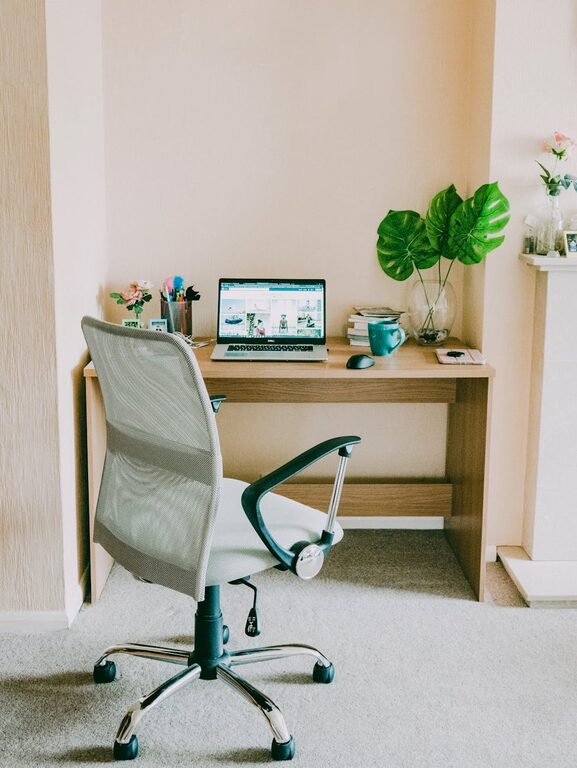
A good chair supports your back, promotes proper posture, and prevents discomfort during long work hours. Look for one with adjustable height, lumbar support, and comfortable cushioning.
Practical Desk
Choose a desk that fits your space but is large enough to accommodate your computer, office supplies, and other work essentials. Adjustable desks that allow you to alternate between sitting and standing are ideal.
3. Keep Your Workspace Organised
Declutter Regularly
A tidy workspace reduces stress and improves focus. Organise cables, put away unused items, and clear your desk of unnecessary clutter at the end of each day.
Use Storage Solutions
Invest in shelves, drawers, or filing cabinets to keep documents and equipment neatly stored. Label containers to find items quickly without creating mess.
4. Create a Calming Atmosphere
Choose Soothing Colours
Soft, neutral colours like pale blues, greens, or greys create a relaxing backdrop without distracting the eye. Avoid overly bright or dark shades that might fatigue you over time.
Add Plants
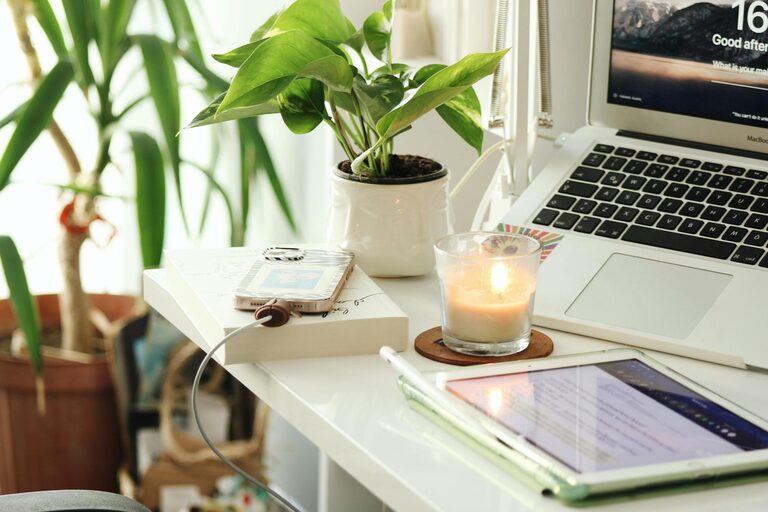
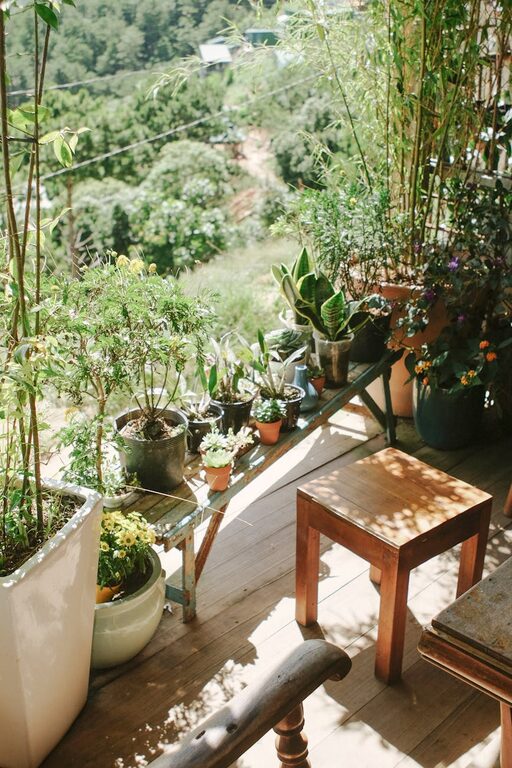
Houseplants not only improve air quality but also bring life and calm to your space. Easy-to-care-for plants like snake plants or succulents can thrive in office lighting.
5. Control Lighting
Use Multiple Light Sources
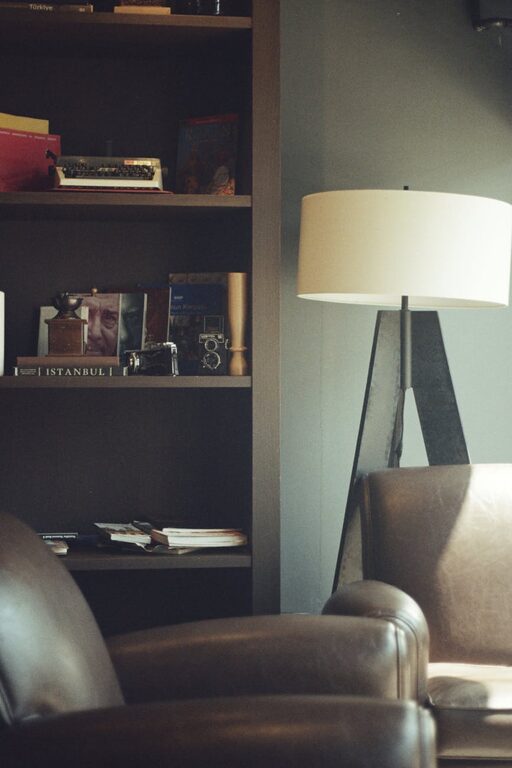
Rely on a combination of natural light, overhead lighting, and task lamps to reduce eye strain. Adjustable lamps with dimming options allow you to customise brightness according to your needs.
Avoid Screen Glare
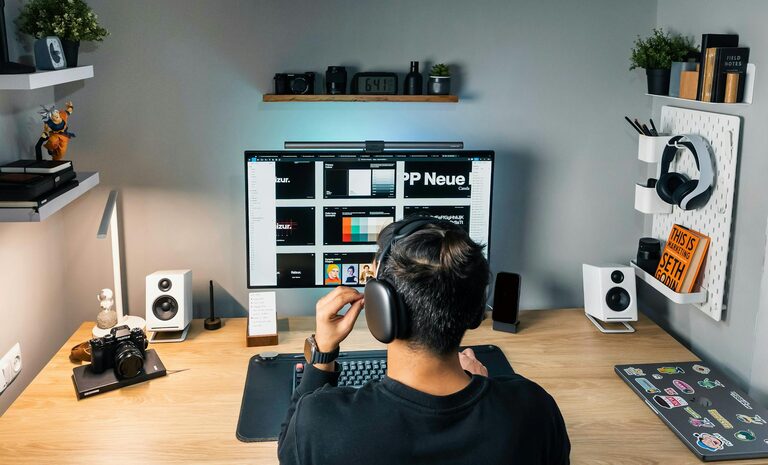
Position monitors to avoid reflections and consider using anti-glare screen protectors. Proper lighting helps maintain eye comfort during long periods of computer use.
6. Minimise Distractions
Technology Management
Use noise-cancelling headphones or play soft instrumental music to block out background noise. Turn off non-essential notifications on your devices to stay focused.
Set Boundaries
Communicate your working hours to family or housemates to reduce interruptions. Use room dividers or closed doors where possible to create a dedicated workspace.
7. Personalise Your Space
Add Personal Touches
Including photos, artwork, or inspirational quotes can make your office feel welcoming. However, keep decorations minimal to avoid clutter.
Scent and Sound
Consider a subtle air freshener or essential oil diffuser to create a pleasant scent. Gentle background sounds, such as white noise or nature sounds, can aid concentration.
8. Prioritise Good Air Quality and Temperature
Ventilation
Ensure your office area is well-ventilated by opening windows when possible or using a fan to circulate air.
Comfortable Temperature
Maintain a temperature that suits you, typically between 20-22°C. Use heaters or air-conditioning units cautiously to avoid dry air.
9. Use Technology Wisely
Quality Equipment
Invest in reliable technology such as fast internet, a good-quality keyboard and mouse, and a clear webcam for virtual meetings.
Organised Digital Workspace
Keep digital files organised with folders and cloud backups. Reducing digital clutter can enhance your productivity just as much as a clean physical space.
Conclusion
Designing a home office that encourages both relaxation and productivity involves thoughtful choices about lighting, furniture, noise control, and personal comfort. By selecting the right location, organising your space effectively, and adding elements that inspire calm, you create an environment where work feels less like a chore and more like a positive experience. Experiment with these tips to find the perfect balance that suits your individual needs.