



Creating a Relaxing and Productive Home Office Environment
Working from home has become increasingly common, and creating a home office that balances comfort with efficiency is essential. A well-designed workspace not only promotes productivity but also helps reduce stress and maintain a healthy work-life balance. Here are some useful tips to help you create a relaxing and productive home office environment.
Choose the Right Space
Find a Dedicated Area
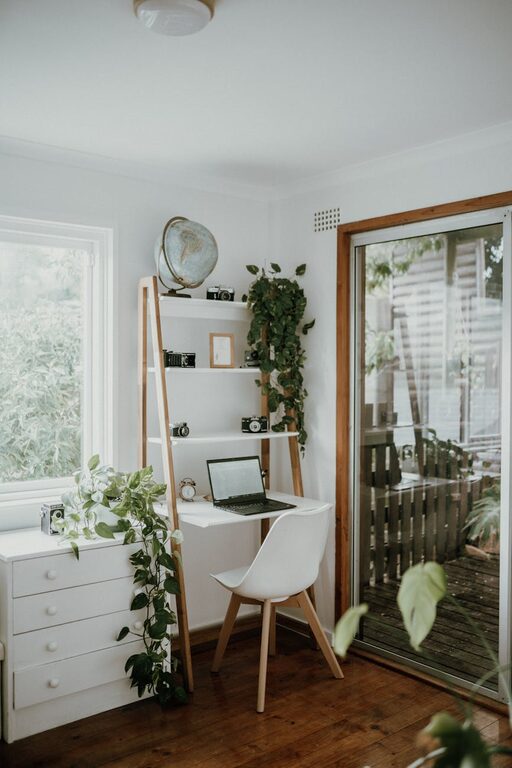
Whenever possible, select a dedicated space for your home office. This helps signal to your brain that it’s time to focus when you enter the room, improving concentration. If a whole room isn’t available, try to carve out a corner or nook that is solely for work.
Consider Natural Light
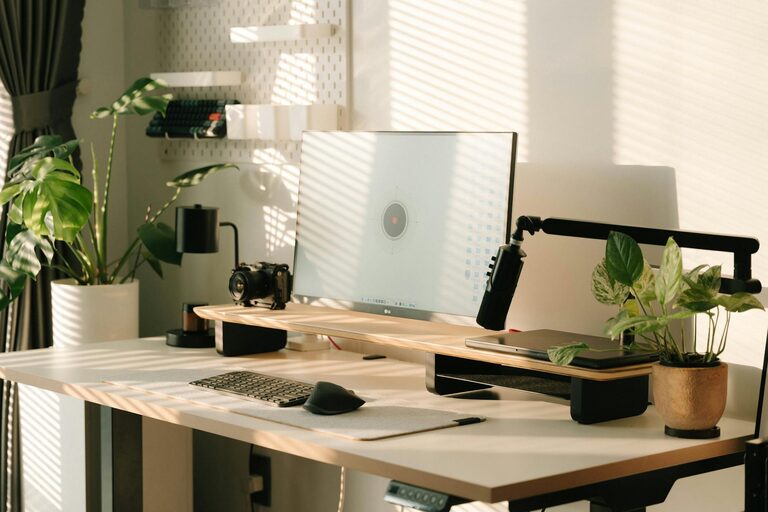
Work near a window to take advantage of natural light, which can boost mood and energy levels. Avoid glare on your computer screen by positioning your desk at an angle to the window.
Invest in Comfortable and Functional Furniture
Ergonomic Chair and Desk
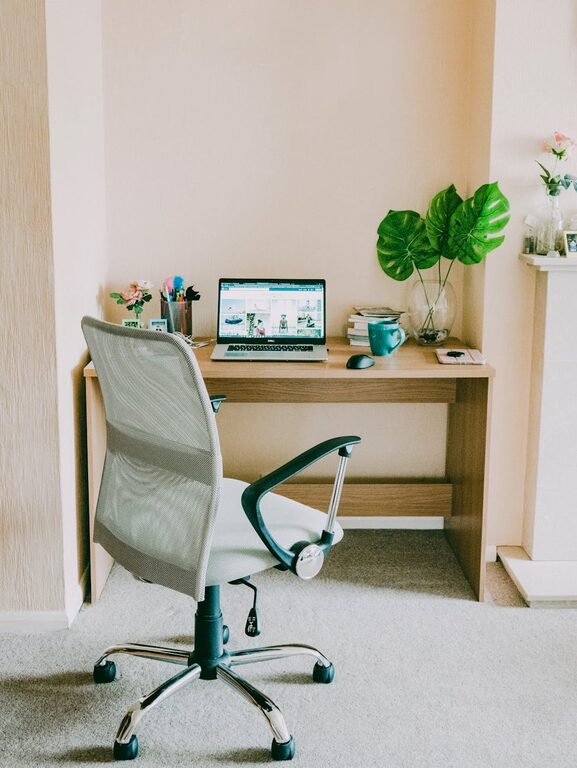
Comfort is key for long working hours. Choose an ergonomic chair that supports good posture and a desk at the right height to reduce strain on your neck, shoulders, and back.
Adequate Desk Space
Make sure your desk is spacious enough to accommodate your computer, notes, and any other essentials. Having a tidy and organised workspace can help reduce distractions.
Organise for Efficiency
Declutter Regularly
A cluttered desk can lead to a cluttered mind. Keep only essential items on your desk and regularly clear away unnecessary paperwork or supplies.
Use Storage Solutions
Incorporate shelves, drawers, and organisers to keep your space tidy. Label folders or boxes for easy access to important documents.
Manage Cables
Tidy cables with clips or cable organisers to prevent them from tangling. Clean cable management improves the appearance of your workspace and avoids distractions.
Create a Calming Atmosphere
Colour Scheme
Opt for calming colours like soft blues, greens, or neutrals for your walls and decor. These colours can reduce stress and promote focus.
Personal Touches
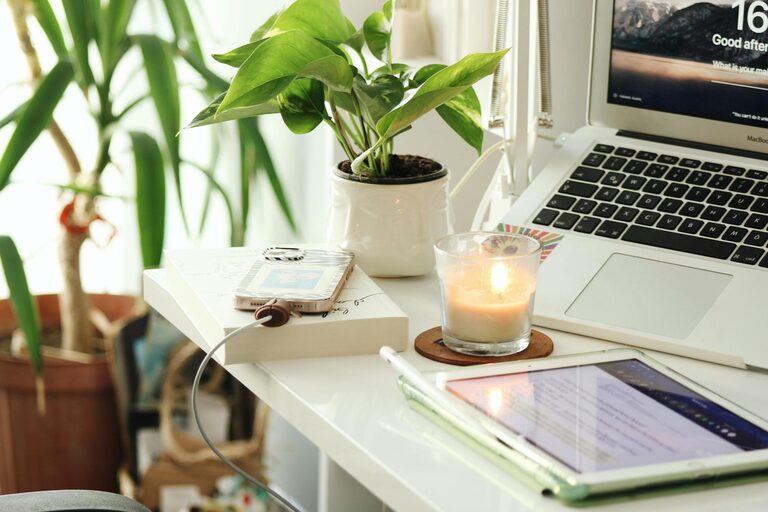
Add a few personal items like photos, plants, or artwork to make your office feel welcoming without overcrowding the space.
Incorporate Plants
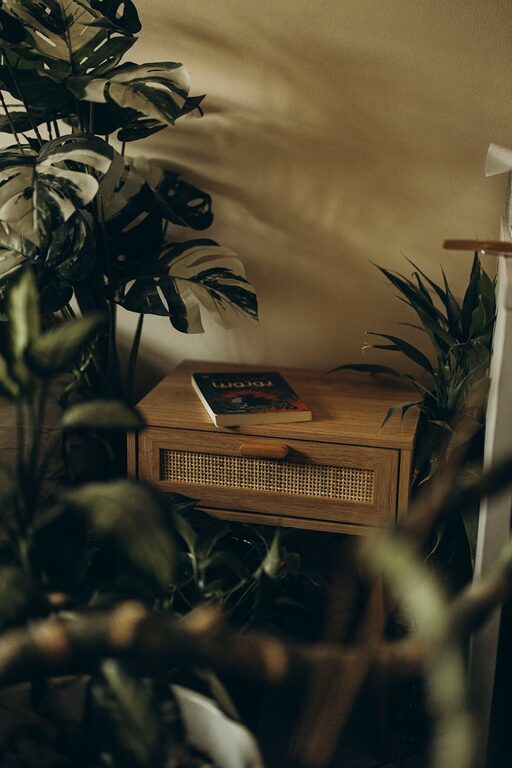
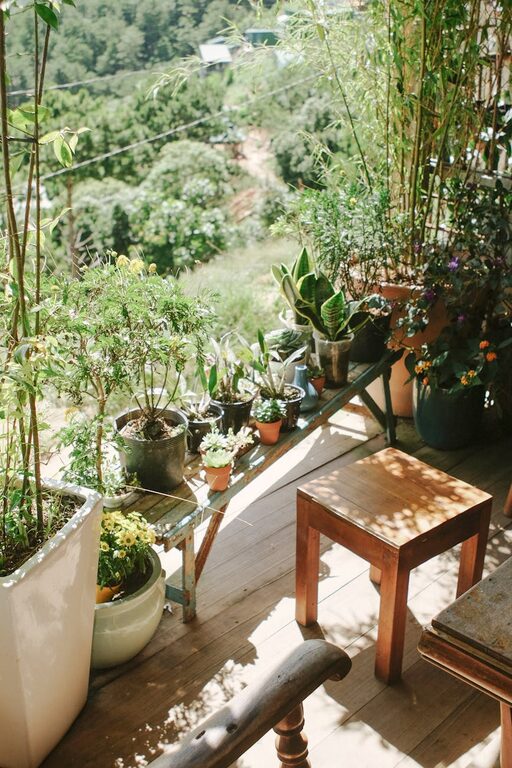
Indoor plants not only brighten your workspace but also improve air quality and reduce stress. Choose low-maintenance varieties if you don’t have a green thumb.
Control Lighting and Sound
Adjustable Lighting
Combine natural daylight with adjustable artificial lighting. Use desk lamps with warm light to reduce eye strain, especially during early mornings or late evenings.
Minimise Noise Distractions
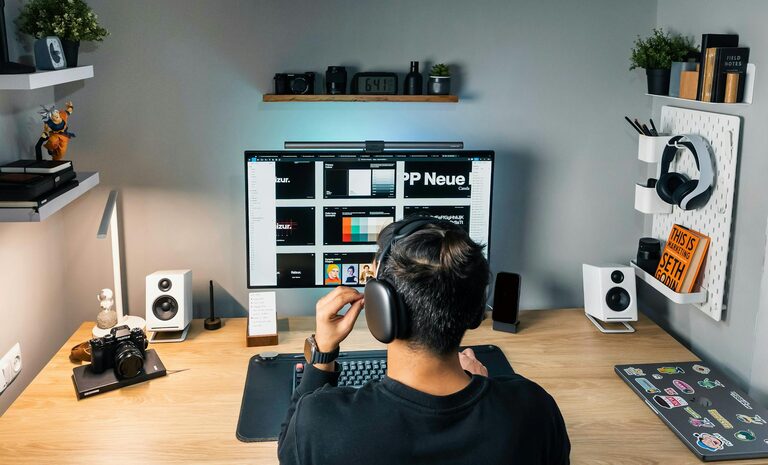
If possible, select a quiet area away from household noise. Consider using noise-cancelling headphones or playing soft background music to help concentration.
Maintain Work-Life Balance
Set Clear Boundaries
Establish working hours and stick to them. When your workday ends, turn off your computer and tidy your desk to mentally separate work from leisure.
Take Breaks
Regular breaks help maintain productivity and reduce fatigue. Use breaks to stretch, get fresh air, or meditate briefly to refresh your mind.
Optimise Technology and Tools
Reliable Equipment
Ensure your computer, internet connection, and other devices are reliable and up to date to avoid frustration.
Digital Organisers
Use apps and tools for scheduling, note-taking, and task management to keep your workflow organised and manageable.
Encourage Movement
Standing Desks or Desk Converters
If possible, switch between sitting and standing to reduce the health risks associated with prolonged sitting.
Stretch and Move
Set reminders to stretch or walk for a few minutes every hour. Movement helps improve circulation and keeps energy levels up.
—
By thoughtfully setting up your home office with these tips, you can create a space that nurtures both productivity and relaxation. Remember that everyone’s preferences and needs differ, so tailor your environment to what helps you feel comfortable and focused. A well-designed home office makes working from home a more enjoyable and effective experience.